Maximize Your Workflow: Top Productivity Tools to Watch in 2026
5 May 2026
Let's be real for a second. If your current workflow feels like trying to paddle a canoe with a spatula, you are not alone. We have all been there. You open your laptop with the best intentions, and by 10 AM, you are drowning in notifications, staring at five different tabs, and wondering where the last three hours went. It is a mess. But here is the good news: 2026 is shaping up to be the year the tools finally catch up to our chaos.
I have spent way too much time testing apps that promise to change my life. Most of them end up in the digital graveyard on my phone. But a few? A few are different. They are the ones that actually make you feel like you are winning. So, grab a coffee (or tea, I do not judge), and let us talk about the productivity tools you need to watch in 2026. No fluff, just the good stuff.
The Shift from "Do More" to "Do Less"
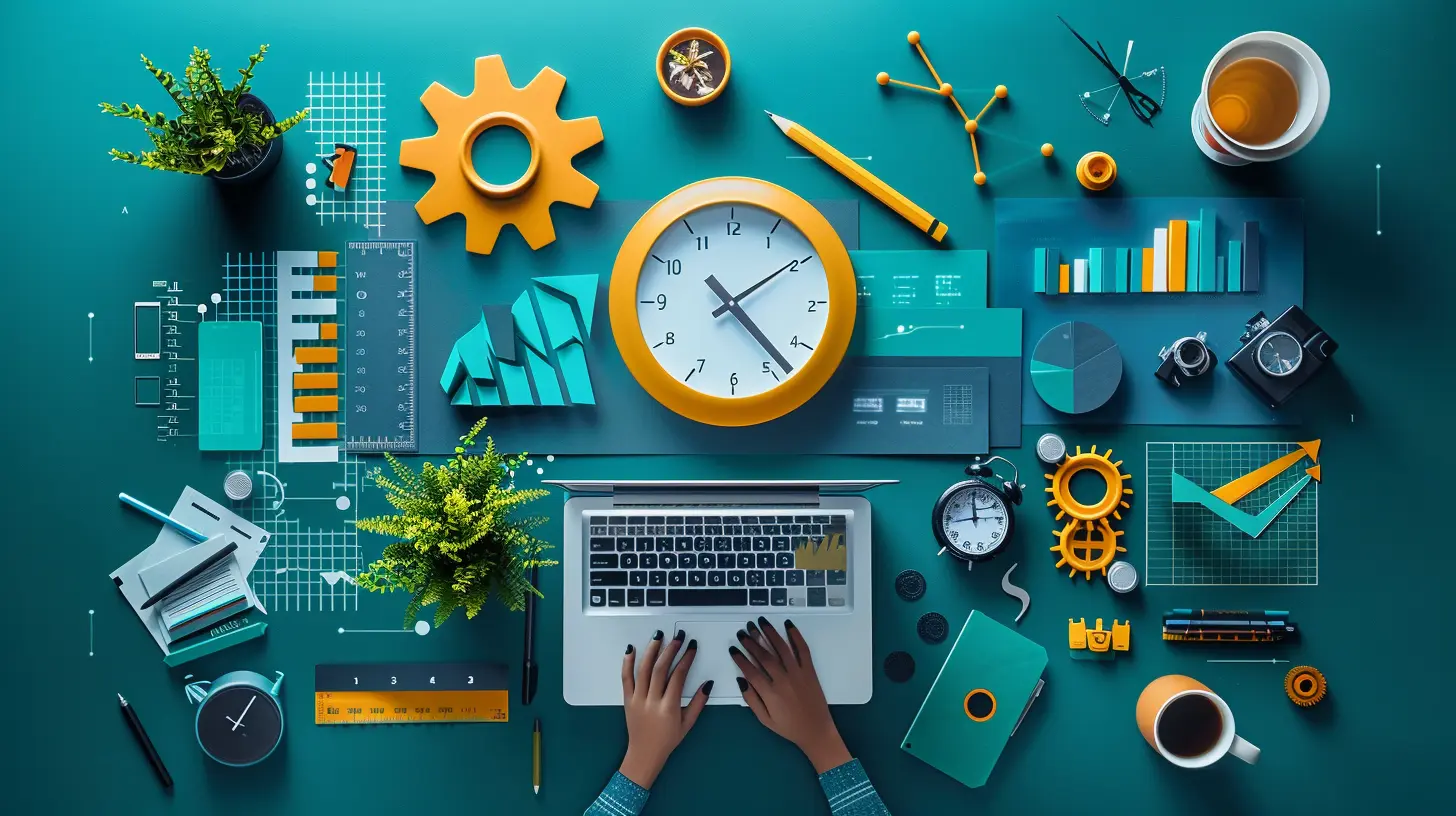
Before we dive into the apps, we need to talk about the vibe shift. For years, productivity tools were all about cramming more into your day. More tasks. More meetings. More emails. It was exhausting. In 2026, the smartest tools are flipping the script. They are not asking "How can you do more?" but rather "How can you do less, better?"Think of it like cleaning your garage. You used to just buy bigger shelves to store all the junk. Now, you are finally throwing the junk away. That is the energy we need. The tools on this list are built to eliminate noise, not add to it. They are your minimalist best friend who tells you to stop hoarding sticky notes.
1. The AI Assistant That Actually Gets You: "FocusMate AI"
I know, I know. Another AI assistant? Bear with me. Most AI tools right now are like that overly eager intern who brings you 50 files when you asked for one. They generate a ton of stuff you did not ask for.But FocusMate AI is different. It learns your rhythm, not just your calendar. Imagine an assistant that knows you are most creative between 9 and 11 AM, so it blocks that time for deep work without you asking. It sees you are stressed about a deadline and quietly re-arranges your low-priority tasks to tomorrow.
How it works: It integrates with your email, calendar, and project management tools. But instead of just listing your tasks, it uses a "cognitive load" algorithm. If you have three complex tasks and five simple ones, it suggests you knock out the simple ones first to build momentum. It is like having a personal coach who knows you need a win before you tackle the big stuff.
Why watch it in 2026: Because it stops treating you like a machine. It treats you like a human with energy fluctuations. If you have ever had a day where you just could not focus, this tool is your safety net.
2. The "Second Brain" That Does Not Suck: "Neural Notebook"
We have all tried the "second brain" apps. You download them, you spend a weekend organizing folders, and then you never open them again. The problem is they ask you to do the heavy lifting. You have to remember to save stuff. You have to remember to tag it. It is work.Neural Notebook is the opposite. It is passive. It sits in the background, watching what you do. You write an email with a great idea? It captures it. You read an article and highlight a sentence? It stores it. You have a random thought in a meeting? It logs it.
The magic: It does not just store your thoughts. It connects them. A few weeks later, you are writing a proposal, and a notification pops up: "You had a similar idea three weeks ago in a Slack message. Here is the context." It is like having a memory that never forgets, but without you having to do any of the remembering.
Why watch it in 2026: Because your brain is for having ideas, not for holding them. This tool frees you up to be creative instead of being a librarian.
3. The Meeting Killer: "SyncLess"
I hate meetings. You hate meetings. Everyone hates meetings. Yet, we keep having them. In 2026, the tool to watch is one that finally makes async work feel natural. SyncLess is not just a recording tool. It is a full-on meeting replacement.Here is the trick: Instead of scheduling a 30-minute call, you send a quick video message. The recipient watches it when they have time and replies with their own video. It sounds simple, but the execution is brilliant. It transcribes everything, highlights action items, and even detects if you sound frustrated or unclear (and asks you to re-record).
The real kicker: It has a "decision engine." If you send a video asking for a decision on a project, SyncLess will track who has watched it and who has not. If no one responds in 24 hours, it gently nudges them. It is like the polite friend who reminds everyone to pay the dinner bill.
Why watch it in 2026: Because it respects time. You do not need to find a shared free slot. You just talk, listen, and move on. It is the most efficient way to have a conversation without actually having a conversation.
4. The Focus Tool That Gamifies Laziness: "FlowState"
Here is a controversial take: Pomodoro timers are boring. They work, but they are boring. FlowState takes the same concept and turns it into a game. But not a distracting game. A relaxing game.How it works: You set a timer for work. While you work, a little digital garden grows on your screen. If you stay focused, the flowers bloom. If you check Instagram, the flowers wilt. It sounds silly, but it taps into a deep human desire to not kill a digital plant.
The 2026 upgrade: FlowState now connects to your physical environment. It syncs with smart lights and your standing desk. When you enter a focus session, the lights dim slightly. The desk adjusts to your preferred standing height. It creates a "focus bubble" around you. It is like walking into a library without having to actually find a library.
Why watch it in 2026: Because willpower is a limited resource. This tool removes the need for willpower by making the right choice (focusing) the fun choice. You will find yourself working just to see your digital garden grow.
5. The Project Manager for Chaos Monkeys: "Tangle"
Most project management tools assume your life is linear. Task A leads to Task B leads to Task C. But real work is messy. It is a tangled web of dependencies, interruptions, and last-minute changes. Tangle embraces the chaos.What it does: It visualizes your projects as a "web" instead of a list. You can see how one task connects to five others. When something changes, it ripples through the web, and Tangle highlights the affected areas. It is like a weather map for your workload.
The best feature: The "Oops Button." We all make mistakes. You miss a deadline. You forget to assign a task. Instead of getting a stern notification, Tangle lets you hit the "Oops Button" which automatically sends a funny apology to your team and re-prioritizes the work. It humanizes project management.
Why watch it in 2026: Because it admits that work is unpredictable. It does not punish you for being human. It helps you adapt.
6. The Email Tamer: "InboxZero+"
Email is the cockroach of the internet. It will survive the apocalypse. But InboxZero+ is the nuclear option. It is not just another filter. It uses "conversational AI" to handle your inbox for you.How it works: You give it permission to read your emails. It learns who is important and who is spam. But here is the twist: It can reply to emails as you. You get an email from a client asking for a status update. InboxZero+ checks your project management tool, sees the status, and drafts a reply. You just hit send or tweak it.
The 2026 killer feature: It detects "email anxiety." If you have an email from your boss that you have been avoiding, InboxZero+ will highlight it and say "This one is scary. Do you want me to draft a neutral response?" It is like having a therapist for your inbox.
Why watch it in 2026: Because email takes up 30% of your workday. This tool cuts that to 5%. You get back hours of your life.
7. The Deep Work Companion: "Silent Room"
We have all tried white noise apps. Rain sounds. Coffee shop sounds. They are nice, but they are generic. Silent Room is different. It creates a custom soundscape based on your brain activity.The tech: It uses your phone's sensors (or a wearable) to detect your stress levels. If you are anxious, it plays calming frequencies. If you are dragging, it plays upbeat, rhythmic sounds. It is like a DJ for your brain.
Why watch it in 2026: Because silence is not always golden. Sometimes you need the right noise to focus. This tool gives you the perfect soundtrack for deep work without you having to choose a playlist.
How to Actually Adopt These Tools (Without Going Crazy)
Here is the trap: You read this list, get excited, download all seven apps, and then you are overwhelmed. You never use any of them. Do not do that.The 2026 Approach: Pick one. Just one. If you hate meetings, try SyncLess for a week. If you are drowning in email, try InboxZero+. Give it a real shot. Set a timer for 30 minutes to set it up. If it does not click after three days, ditch it and try another.
Think of it like upgrading your kitchen. You do not buy a new oven, fridge, and dishwasher all at once. You start with the thing that annoys you the most. Same with these tools.
The Bottom Line
2026 is not about working harder. It is about working smarter with tools that actually understand you. The best productivity tools are the ones you forget you are using. They fade into the background and let you do your best work.So, which one will you try first? I am putting my money on FocusMate AI. I need someone to tell me to stop checking Twitter. But you might need Tangle to untangle your messy project. That is the beauty of this new wave. There is a tool for every kind of chaos.
Stop fighting your workflow. Let the tools fight for you. Your future self (the one with the blooming digital garden and the empty inbox) will thank you.
all images in this post were generated using AI tools
Category:
Productivity ToolsAuthor:

Lily Pacheco
Discussion
rate this article
1 comments
Kova Lopez
Great insights on the productivity tools for 2026! Staying ahead of the curve can truly enhance workflow efficiency. Looking forward to seeing how these tools evolve in the coming year.
May 10, 2026 at 12:57 PM
Lily Pacheco
Thanks for your feedback! Excited to see how these tools shape productivity in 2026 too.