Reducing Paper Usage to Cut Office Spending
31 October 2026
Paper feels almost invisible in most offices. It shows up in the printer tray, the supply closet, the recycling bin, and the monthly expense report, and nobody gives it much thought. That is exactly why it quietly drains money. A ream of paper costs little on its own, but the ecosystem around it is expensive: printers, toner, maintenance contracts, storage space, filing labor, document retrieval time, and the disposal costs that show up nowhere obvious. When you add it all up, paper is rarely just a paper problem. It is an operations problem wearing a paper costume.
This article is about attacking that problem in a way that actually sticks. Not a feel-good sustainability memo that everyone ignores by Thursday. A practical, financially grounded approach to reducing paper usage so the savings show up in your budget, not just in a press release.

Why Paper Costs More Than the Paper
Most cost-cutting conversations start and end with the price per ream. That is the smallest number in the equation. The real cost of paper in an office is distributed across several buckets, and the biggest ones are easy to miss because they never appear on a single invoice labeled "paper."Consider the direct costs: paper itself, toner and ink, printer leases, service contracts, and electricity. Now consider the indirect costs: the labor hours spent printing, collating, filing, searching for misfiled documents, and reprinting things that got lost. Then add the hidden costs: floor space dedicated to filing cabinets, offsite storage fees, secure shredding services, and the legal risk of a document that should have been destroyed but wasn't.
A useful way to think about it: every sheet of paper you print carries a "total cost of ownership" that is several times its purchase price. The moment a document becomes physical, it enters a workflow that requires humans to move it, store it, find it, and eventually dispose of it. Digital documents skip most of that. That is the core economic argument for reducing paper, and it is far more persuasive to leadership than an environmental appeal alone (though the environmental case is real and worth mentioning in your internal communications).
The practical takeaway: before you launch any paper reduction effort, build a rough cost model that includes indirect and hidden costs. You do not need perfect numbers. Even a directional estimate changes the conversation from "we should be greener" to "we are spending real money on a workflow we can improve."

Start With a Paper Audit That People Actually Complete
The instinct is to run a full paper audit: count every sheet, track every print job, map every filing cabinet. In practice, comprehensive audits collapse under their own weight. People get busy, tracking stops, and the data is stale before it is useful.A better approach is a short, focused audit with three components.
First, pull printer and copier usage data for the last three to six months. Most managed print services and network printers can report page counts by department or user. This gives you a baseline without asking anyone to do manual tracking.
Second, do a two-week "print sample" in a few representative departments. Ask participants to place every printed document in a labeled tray for two weeks, then review what was printed. You will typically find that a large share of printouts are things like emails, drafts, meeting agendas, and reference material that was read once and never touched again. This is where the easy wins live.
Third, walk the office and count filing cabinets and storage boxes. Estimate how much floor space they consume and what that space costs per square foot. In expensive real estate markets, filing cabinets are among the most expensive furniture in the building.
Keep the audit light. The goal is not a perfect inventory. It is enough evidence to prioritize the changes that will produce the biggest savings with the least friction.
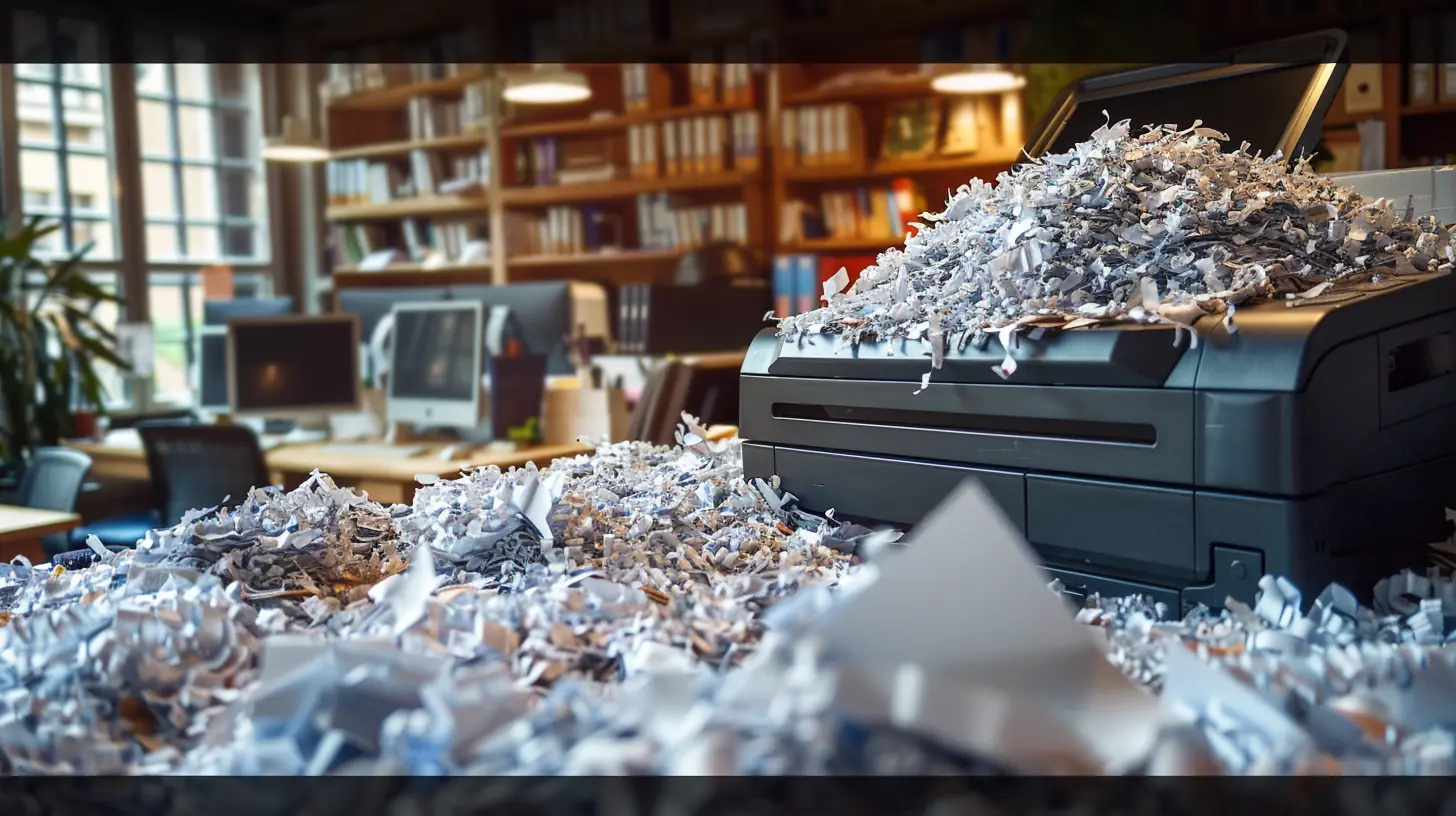
The Biggest Paper Categories and What to Do About Them
Paper usage in most offices clusters into a handful of categories. Each has a different solution, and treating them as one blob is a common mistake.Printing and photocopying
This is usually the largest single source. The fixes here are well known but often poorly implemented: default to double-sided printing, set printers to grayscale by default, require a badge or PIN to release print jobs (which eliminates abandoned printouts), and remove personal desktop printers in favor of shared multifunction devices. The badge-release feature alone tends to cut waste noticeably because people stop printing things "just in case" and then walking away.Forms and paperwork
Paper forms are a classic hidden cost. They get printed in bulk, stored, filled out by hand, scanned or filed, and then re-keyed into a system somewhere. Digitizing forms is one of the highest-return paper projects available, but it requires care. A badly designed digital form is just a paper form with extra steps. Map the actual process first, remove unnecessary fields and approvals, and then build the digital version around the simplified flow. Doing it in that order is the difference between a real improvement and an expensive PDF.Invoices and accounts payable
Many finance teams still receive paper invoices by mail. Moving suppliers to electronic invoicing (e-invoicing) reduces paper, postage, and manual data entry, and it usually speeds up payment cycles. The obstacle is supplier adoption, especially with smaller vendors. A phased approach works better than a mandate: start with your highest-volume suppliers, offer a simple portal or email intake, and keep a paper fallback for the holdouts. Expect the long tail of small suppliers to resist, and plan for it rather than being surprised by it.Meeting materials and reports
Printed agendas, board packs, and reports are expensive and often outdated the moment they are printed. Distributing materials digitally, ideally through a shared workspace rather than email attachments, cuts both paper and the labor of collating and binding. For meetings where people genuinely read better on paper, consider a "print on request" policy rather than printing for everyone by default.Records, contracts, and archives
Some documents legally or practically need a physical original. That is fine. The goal is not zero paper; it is right-sized paper. For everything else, a well-governed digital document management system with clear retention rules reduces storage, retrieval time, and compliance risk. The key word is governed. A shared drive full of duplicate files is not a document management strategy, and it creates its own costs.
Designing a Paper Reduction Program That Survives Contact With Reality
Most paper reduction efforts fail for social reasons, not technical ones. People keep printing because it is familiar, because they do not trust the digital system, or because nobody told them the rules changed. A program that ignores this will produce a brief dip in usage followed by a gradual return to normal.Here is a structure that tends to work.
Set a baseline and a target. Use your audit data to establish current usage and a realistic reduction goal, for example 30 to 40 percent over twelve months. A specific number gives the effort something to measure against and makes progress visible.
Change defaults before you change rules. Defaults are powerful. Setting double-sided and grayscale as the default, enabling badge release, and configuring scan-to-email shortcuts changes behavior without requiring anyone to remember a policy. Rules require enforcement; defaults require nothing.
Make the digital alternative genuinely easier. This is the part most programs get wrong. If finding a document digitally takes longer than walking to a filing cabinet, people will print. Invest in search, naming conventions, and a folder structure that matches how people actually work. Convenience beats policy every time.
Communicate the why with numbers. Tell people what the program saves and where the savings go. "We cut printing costs by 35 percent last quarter, which funded the new meeting room screens" is far more motivating than a generic sustainability message.
Measure and adjust. Track page counts monthly, review them with department leads, and be willing to change course. If a department's usage is not falling, ask why before assuming noncompliance. There is often a workflow reason.
Common Mistakes and Misconceptions
A few traps show up again and again.The zero-paper fantasy. Some processes legitimately need paper: certain legal filings, some regulated records, and workflows where a physical signature or original is required. Pursuing zero paper everywhere creates resistance and wastes effort. Aim for "paper where it adds value, digital everywhere else."
Removing printers without providing alternatives. Pulling desktop printers before the shared devices and digital workflows are ready breeds resentment and workarounds, including people printing at home and expensing it. Sequence matters.
Buying software before fixing the process. Document management systems and e-signature tools are useful, but they cannot fix a broken approval chain. Simplify the process first, then automate what remains.
Ignoring the human cost of change. Training takes time. People need a transition period. Budget for it, and do not treat resistance as laziness. It is usually a sign that the new way is not yet good enough.
Assuming digital is automatically cheaper. Digital storage, software licenses, and IT support have costs too. The savings come from reduced labor, storage, and consumables, not from the absence of paper itself. Do the math honestly, and be prepared to find that some low-volume paper processes are cheaper left alone.
Making the Savings Visible and Durable
Savings that nobody can see do not survive the next budget cycle. Build a simple tracking sheet that captures paper purchases, toner, printer service, storage costs, and estimated labor hours saved. Review it quarterly and share the results.Durability also comes from embedding the changes in how the office operates: procurement rules that default to digital-first, onboarding that teaches the digital workflows, and a light annual review of print usage. Paper creeps back when attention moves elsewhere, so a small amount of ongoing maintenance keeps the gains from eroding.
A Realistic Path Forward
Reducing paper usage is less about grand gestures and more about a series of sensible defaults, simplified processes, and honest measurement. Start with the audit, attack the biggest categories, change defaults before writing rules, make digital alternatives genuinely convenient, and track the money. Do that consistently, and the spending reduction takes care of itself, along with a lot of the clutter, filing, and searching that nobody misses.
all images in this post were generated using AI tools
Category:
Cost ReductionAuthor:

Lily Pacheco